
June 2, 2026
Video hooks: How to write a scroll-stopping opening
This nostalgic aesthetic turns everyday content into something more meaningful. With vintage film grain, soft blurs and warm colors, it's a nod to vintage films and storied filmmakers. If you want that moody video aesthetic, choose the "Cinematic II" style for your next video.
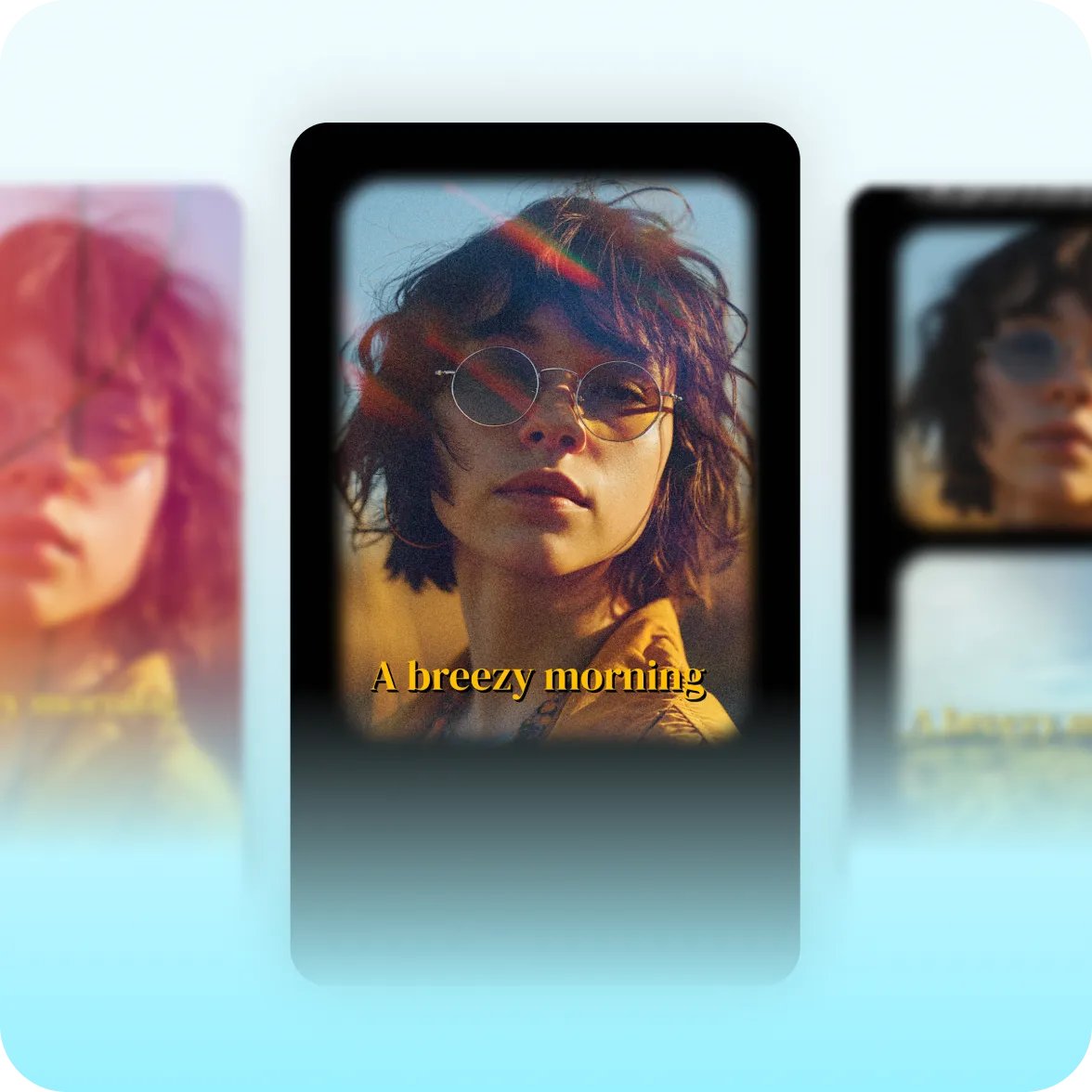
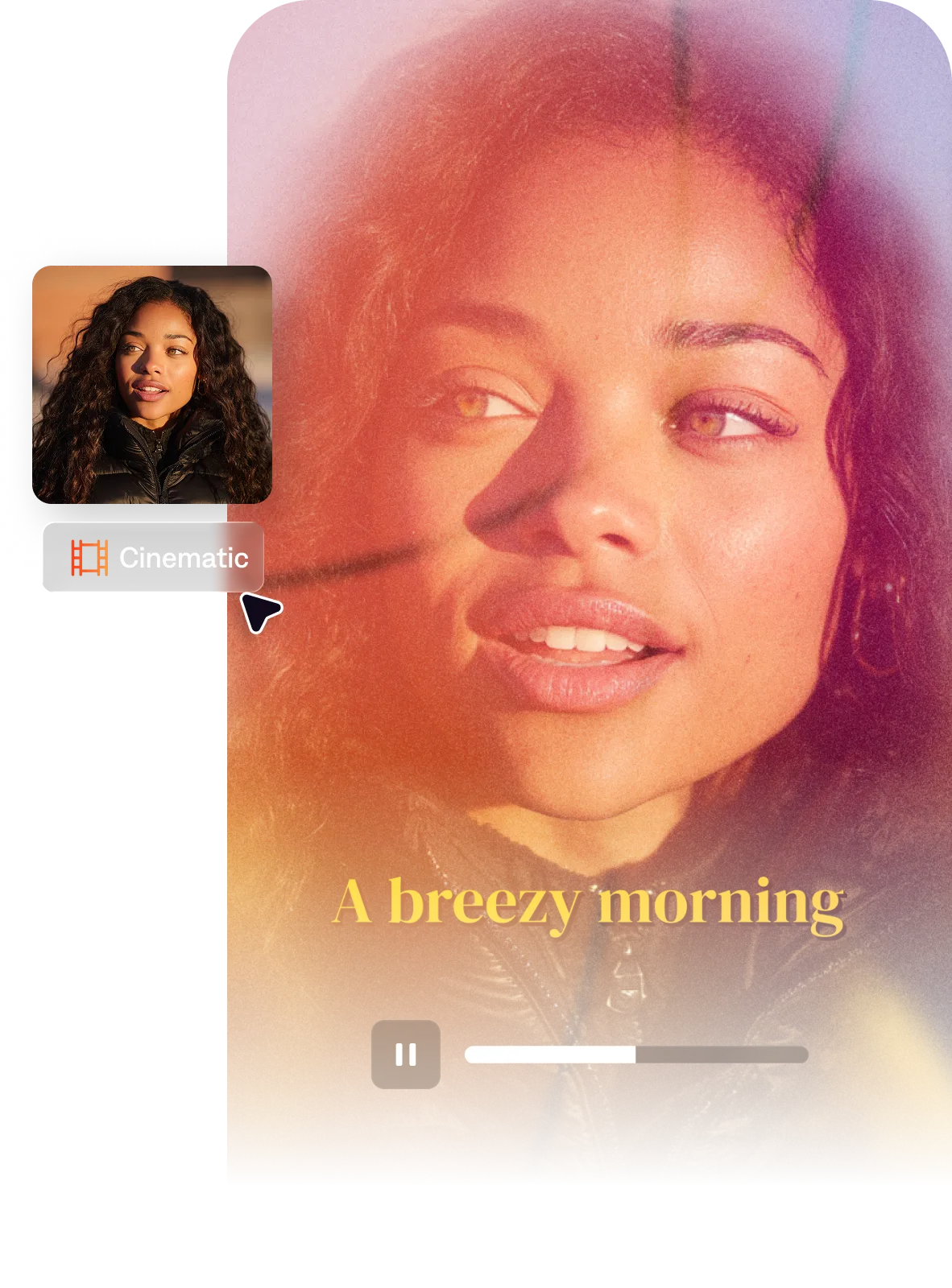
Cinematic II wraps footage in a subtle vintage grain overlay and soft cinematic blur. It makes every video feel more emotionally resonant, in a style that you can't achieve with digital footage alone.
Cuts feel like editorial decisions. Slow push-in and pull-out camera moves create that breathing quality you see in inspirational films and documentaries. Soft light leak transitions move viewers seamlessly between clips.
Cinematic II adds feeling and emotional depth. It's especially popular with lifestyle creators, travel influencers and wellness experts, because it turns every frame into a memorable moment.
AI Edit closes the gap from vision to video. Apply the entire Cinematic II style to any video, and you'll be ready to share in minutes. Just upload footage and select this style in the AI edit library.
By uploading a video to be edited using AI, you are agreeing to our Terms and have read our Privacy Policy.
This style borrows from 16mm film and documentary cinematography. In a time when people consume more content than ever, we wanted to develop a style that stands out for its heart. Cinematic II's warmth pops in feeds of polished-but-hollow content.
The cinematic look in short-form video typically involves several visual choices working together: film grain or slight grain overlays, wide-format framing (often with letterbox bars at top and bottom), shallow depth of field or cinematic blur on non-subject elements, slow push-in or pull-out camera movements, muted or color-corrected grading that references specific film stocks, and intentional pacing that holds shots longer than typical social content. These elements collectively signal that the footage was crafted with the same visual language as feature films.
Moody film aesthetics come from a combination of color grading and texture. For color grading: reduce highlights, lift shadows slightly, add a slight color cast (teal in shadows, warm in highlights is a common cinematic palette), and desaturate midtones. For texture: a light grain overlay (5–15% opacity) adds the film-stock feeling. Cinematic blur on b-roll backgrounds, subtle light leaks, and slower transition timing all reinforce the mood. Film reel-style transitions (soft wipes, light leak cuts) complete the language.
In practice, 'cinematic' usually refers to a broader visual approach: wide framing, intentional pacing, film-like color grading, and grain. 'Film aesthetic' often implies a more specific prestige-cinema reference — A24, indie films, arthouse — with thicker letterbox borders, more restrained typography, and a sense of deliberate minimalism. Cinematic as a style tends to be more accessible and emotional in tone; film aesthetic tends to be more austere and artistically elevated. Both use grain and color grading but to different effect.
Cinematic videos require some editing to get right. Digital cameras can't achieve the right look on their own, so you'll want to tweak the details to get it right. The quickest way to get that cinematic quality is using the Cinematic II AI Edit style in Captions. It transforms raw footage into fully-edited videos in minutes.