June 2, 2026
Video hooks: How to write a scroll-stopping opening
Bring the editorial energy of a luxury shoot to your short-form videos. "Elevate" uses a light-leak effect and serif typography for upscale style and polish. With AI Edit, you can apply it to an entire video at once.
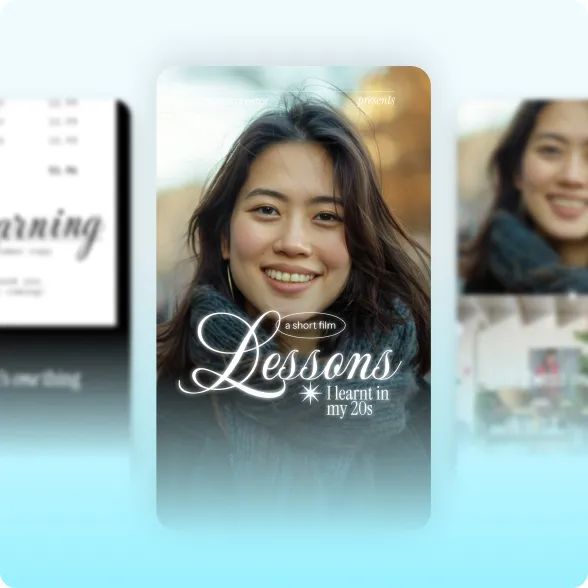
Tall script, serif title cards and ellipse accents transform your captions into editorial statements. Decorative elements like stars and ellipses add a creative flair.
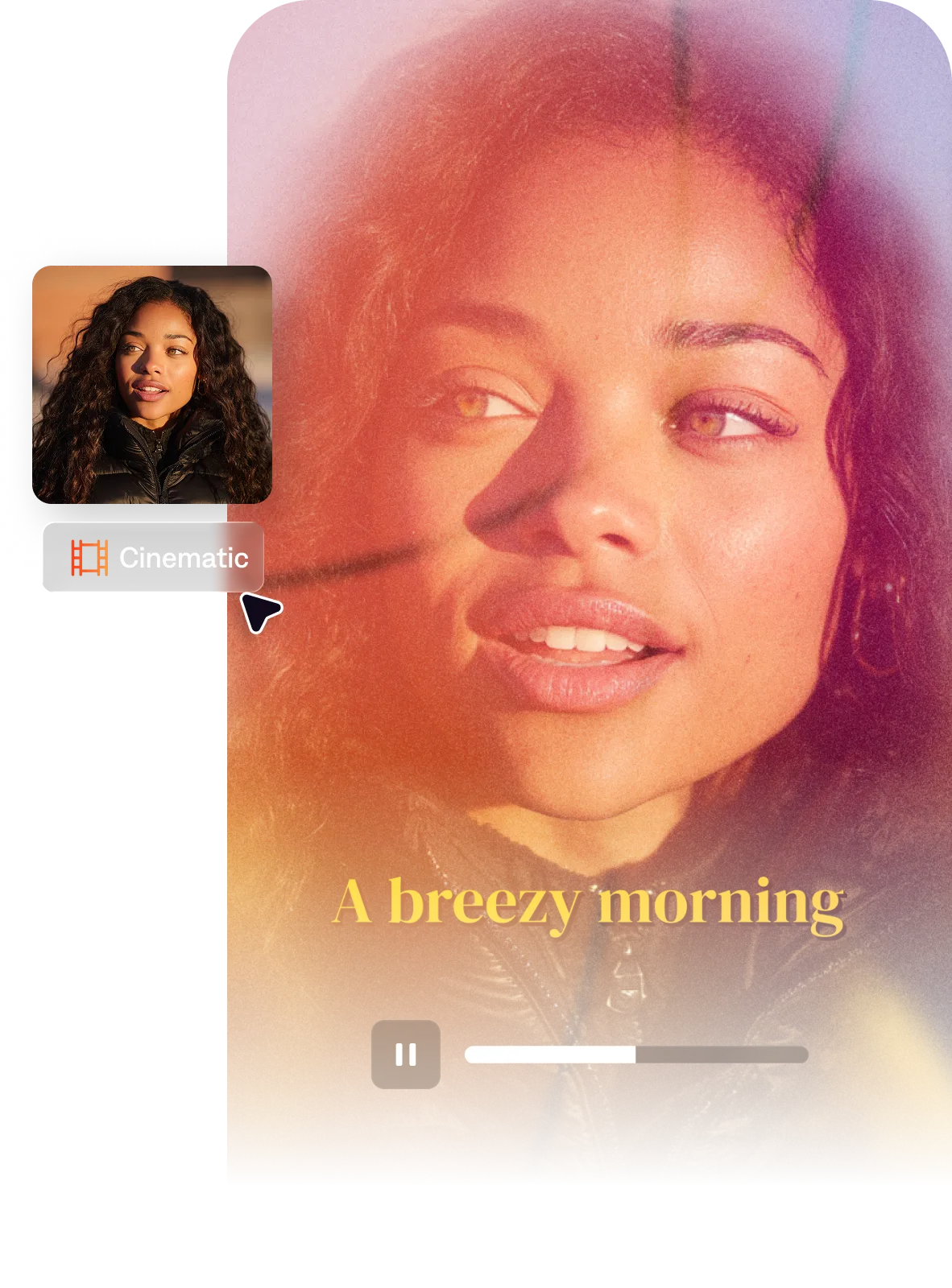
Elevate adds rainbow glare and light-flare overlays that catch the eye like ight catches on fine jewelry. These cinematic touches make your footage feel expensive, no matter how you shot it.
Your B-roll can tile into mosaic image grids, split vertically or layer into stacked editorial panels. It gives your videos the feel of an editorial lookbook, without having to hire a full editorial or design team.
The fastest way to get the Elevate look? AI Edit in Captions. Upload your footage, select "Elevate" from the style library, and the AI applies the style to your whole video at once.
By uploading a video to be edited using AI, you are agreeing to our Terms and have read our Privacy Policy.
Elevate has an "expensive-but-friendly" quality that combines luxury brand design and social media aesthetics. It feels fresh and engaging, without overpowering viewers.
The luxury editorial aesthetic in video draws from high-fashion print media — soft focus, light flares, serif and script typography, mosaic or grid image layouts, and a color palette that emphasizes warmth, pastels, or muted tones. It communicates femininity, aspiration, and curated taste. The visual language is closely associated with beauty, skincare, and fashion content but also appears in wellness, relationship, and personal growth content where the aspirational lifestyle framing matters.
Light leaks are overlaid as separate footage layers — you source a light leak clip (widely available in free and paid stock libraries), place it above your footage in your editing timeline, and set the blending mode to 'Screen' or 'Add' to make the dark areas of the overlay transparent. The intensity is controlled by opacity. For a more intentional look, keyframe the opacity so the light leak pulses in on cuts. Light flares can also be created using lens flare effects in software like After Effects or built into preset packs.
Luxury aesthetic emphasizes premium quality signals — high-end materials, aspirational settings, refined typography, and minimal ornamentation. Editorial aesthetic specifically references the visual language of magazine layouts — grid structures, pull quotes, bold masthead-style typography, strong contrast between type and image. They often overlap: luxury content frequently uses editorial layouts to communicate prestige. The distinction is that luxury is about what the content signals (quality, exclusivity), while editorial is about how it's designed (layout-driven, typographically bold).