
June 2, 2026
Video hooks: How to write a scroll-stopping opening
"Evo" is a professional video editing style that works across top platforms. It's a brand-safe aesthetic that builds credibility and trust, wherever you need it most. With Captions, making professional video is a matter of minutes, not days.

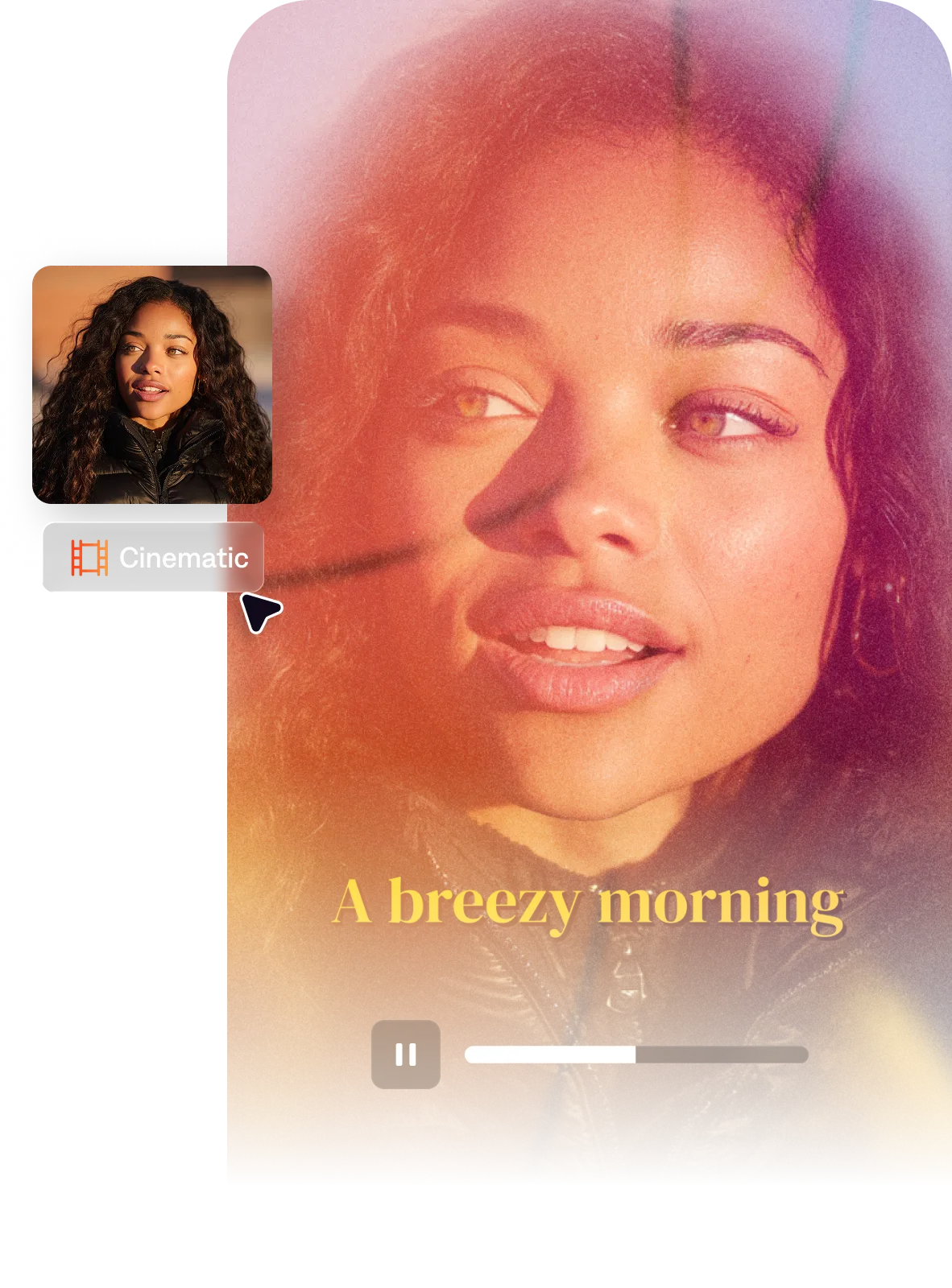
Clean geometric overlays and structured titles give a minimal, clean look. Your videos will look designed and intentional, at home on platforms like LinkedIn or corporate channels.
Actor cutouts extract on-screen talent and positions the speaker within a structured, branded frame. It's clean, modern and makes your message the central element.
Evo flexes for multiple kinds of talking head videos, from LinkedIn thought leadership to personalized sales outreach. Keep your brand style cohesive across content and platforms, even when you're short on time.
You bring the footage. Captions brings the edit. Use AI Edit to select the "Evo" style and you'll be done in minutes. You can also generate content with AI Avatars in Captions, then use the Evo style to edit that footage.
By uploading a video to be edited using AI, you are agreeing to our Terms and have read our Privacy Policy.
Small businesses and brands entering short-form video had a consistent problem: their content looked like it was made by an individual, not a brand. Evo was designed to solve that with a clean style that works across topics and platforms. It's professional and versatile, so your whole team can use it.
Professional business video in short-form typically uses clean, structured layouts — stable framing, minimal motion graphics, clear typography that stays on screen long enough to read, and a color palette that's neutral or brand-aligned rather than trend-driven. The edit prioritizes clarity over entertainment: tight pacing without jarring cuts, transitions that don't call attention to themselves, and a visual consistency across all clips that signals organizational credibility. The goal is to look like it was made by someone who knows what they're doing without looking like it cost a lot to produce.
Professional-looking short-form for business audiences comes down to a few specific choices: stable (not handheld) framing, a clean background or branded environment, clear on-screen text for key points, consistent color grading rather than trending filters, and a calm pacing that doesn't feel like entertainment content. Avoiding excessive transitions and effects is as important as what you add. The most credible business video content often has fewer effects than creator content — the message itself carries the video, and the editing steps back.
B2B video tends to prioritize credibility signals — clean structure, professional typography, minimal stylistic flourish — because the audience is evaluating the producer's competence and trustworthiness. Small business video for consumer audiences can incorporate more personality and warmth because the relationship being built is more personal. Both benefit from visual consistency and intentional design, but B2B skews toward restraint while consumer small business video benefits from more approachable, human elements.
The Evo style is purpose-built for professional, brand-safe video content across LinkedIn, corporate websites, and business social channels. Its clean, minimal aesthetic communicates credibility without visual distraction.