
June 2, 2026
Video hooks: How to write a scroll-stopping opening
"Prism Pro" was designed with real estate agents in mind. It combines a clean, minimal video aesthetic with a distinctive caption architecture. If you want to replicate the stacked captions effect or negative lettering you see online, this is how you do it.
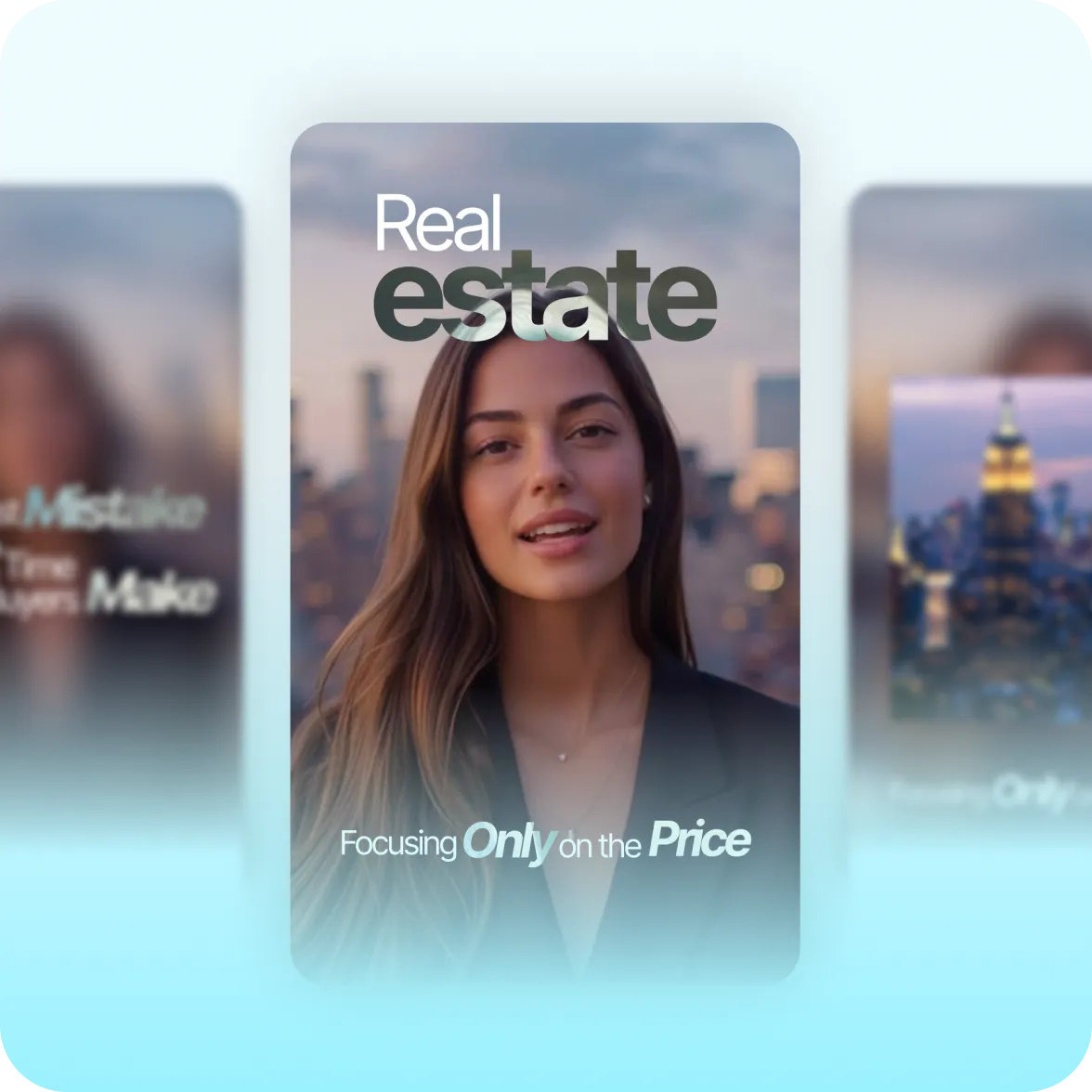
Prism' Pro's clean, precise transitions are designed to stay of the way. All eyes are on your content: no distracting effects. This minimal video aesthetic signals professionalism, organization and respect.
Use single, double or triple captions to customize how much information displays in each frame. Stacked captions are ideal for topics that require contextual details together, like real estate listings and sales offers.
Clear edges separate the speaker from background content. Your speaker will stay highlighted throughout the video as B-roll or other graphic elements appear behind. This gives an editorial, broadcast quality.
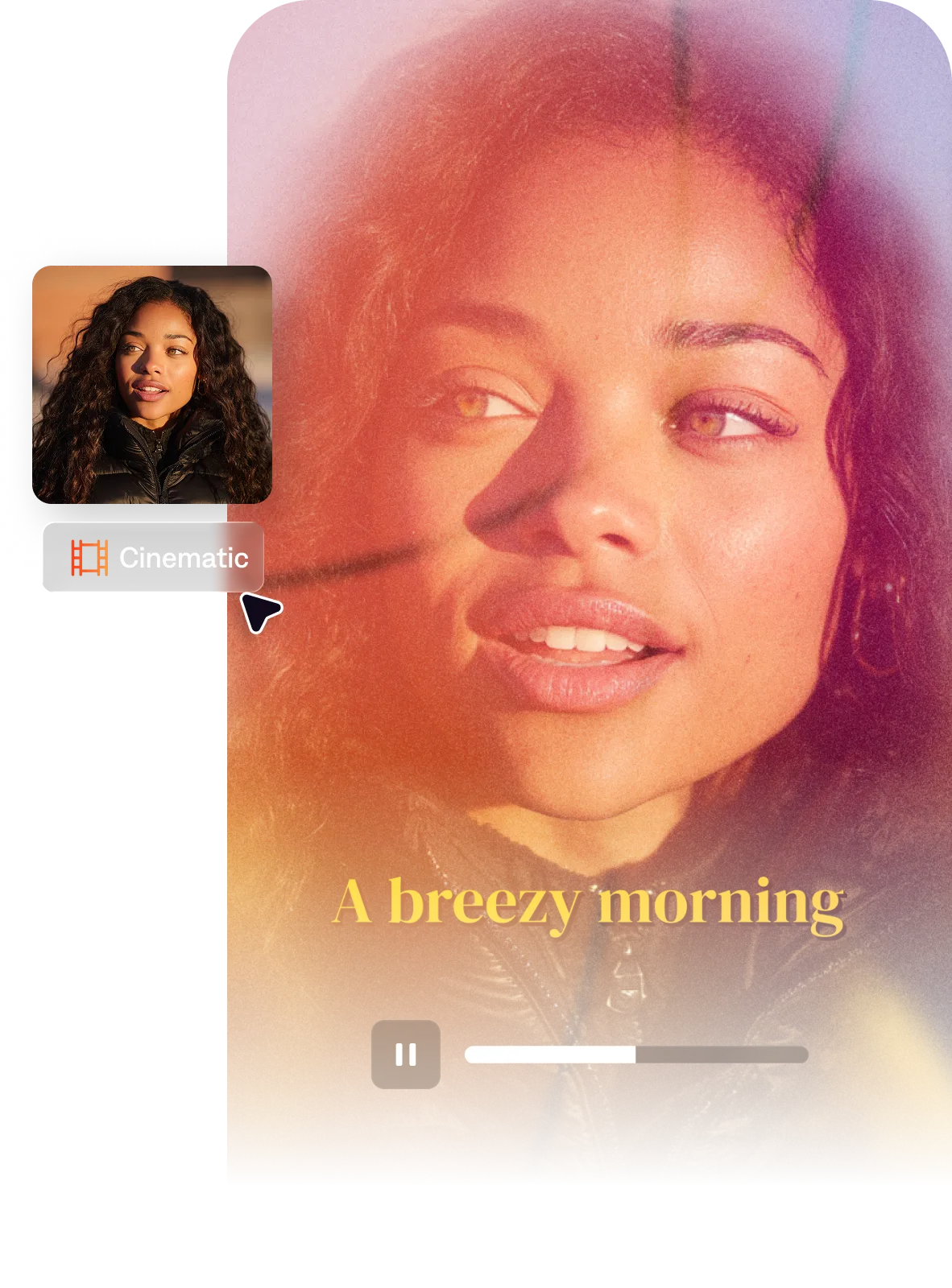
Create the Prism Pro style fast with Captions' AI Edit. Just upload footage, and Captions automatically applies the right transitions, effects and caption styling throughout the entire video.
By uploading a video to be edited using AI, you are agreeing to our Terms and have read our Privacy Policy.
Many video styles only account for primary captions on the screen. But we noticed that creators like real estate agents needed to say a lot more at once. They needed to stack details that relate for topics like property listings, where you'd want to list a location, price and specs altogether. This style uses details to build the story, rather than detracting from it.
Real estate video benefits from aesthetics that communicate quality, aspiration, and professionalism without distraction. Minimal editing styles that let property footage speak — slow push-ins on architectural details, clean typography for listing information (price, location, key features), warm but not oversaturated color grading that shows materials accurately, and a pacing that allows viewers to absorb spatial information rather than being rushed through cuts. Stacked caption treatments that display property details clearly are particularly effective for listing content consumed on mobile.
Real estate listing video for social media works best when it leads with the property’s most distinctive feature in the first 2-3 seconds (the view, a standout room, an unusual architectural detail), uses minimal but informative text overlays (price, address, square footage), keeps the pacing slow enough to absorb spatial relationships between rooms, and ends with a clear next step (contact, link, swipe). Heavy effects and transitions distract from the property itself. The goal is to make the viewer want to see it in person — not to impress them with the editing.
Smartphone real estate video can look professional with a few key practices: shoot in landscape (horizontal) for architectural footage, use a tripod or stabilizer to eliminate handheld shake, ensure consistent lighting (shoot near windows in the daytime, avoid mixing artificial and natural light), clean the space obsessively before filming, and use slow panning rather than fast movements. In post, a minimal color grade that warms slightly without distorting material colors, clean sans-serif typography, and slow transitions complete the professional look without requiring a camera crew.
Prism Pro is great for real estate agents because it provides the right canvas for a detailed story without overwhelming your audience. It's ideal for data-forward listing and market content that's professional and warm.
The Prism Pro style in Captions applies a minimal editorial aesthetic, giving your videos a broadcast feel. The quickest way to make a property listing video combines two Captions features. First, use the property video maker to turn your listing link or listing photos into a full property tour video. Then, select the Prism Pro AI Edit style to transform your footage into a fully-edited, ready-to-share video.